Email remains one of the most profitable marketing channels in business. But modern teams face an old bottleneck — design and production speed. Creating and testing HTML templates manually takes hours, if not days. That’s why companies increasingly rely on email template builders — online platforms that help you design, customize, and export responsive emails without writing code.
These platforms do more than just make emails look pretty. They streamline workflows, reduce developer dependency, and ensure brand consistency across campaigns. When you have the right tool, you can:
-
Build high-quality HTML emails faster.
-
Maintain brand design systems without starting from scratch.
-
Integrate directly with your ESP or CRM for instant exports.
-
Reuse modules and save production hours.
That’s why choosing the best email template builder isn’t a small decision — it directly affects your campaign turnaround time and team productivity.
Below we review 10 leading email builder tools, analyzing their advantages, disadvantages, pricing, and integrations — and finally, we’ll show why Stripo leads the pack.
1. Stripo — The Best Email Builder for Teams and Enterprises
Stripo is a professional-grade email template software that goes far beyond drag-and-drop. It’s built for teams who want to scale email production without compromising creativity or technical quality.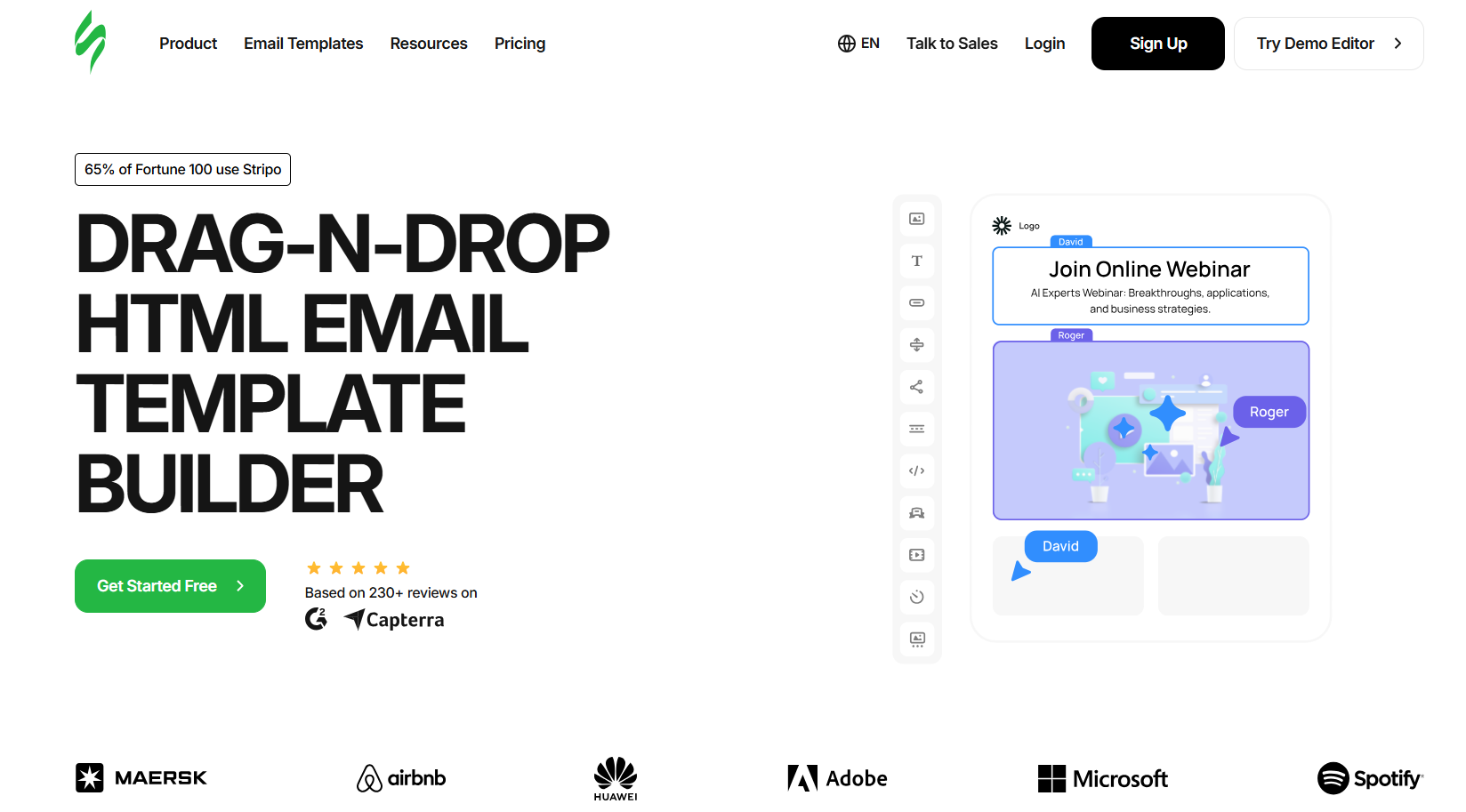
Why people choose Stripo
Stripo helps brands design pixel-perfect emails in minutes, not hours. It combines visual editing with HTML flexibility, so marketers and developers can collaborate seamlessly. It’s trusted by over 1.6 million users — from small businesses to global brands.
Advantages
-
Modular design system: Save and reuse branded modules and structures across campaigns.
-
AMP and interactivity: Create dynamic content like surveys, carousels, and games directly inside the email.
-
AI Email Assistant: Generate subject lines, content, or entire templates instantly.
-
Multi-user collaboration: Teams can comment, approve, and control access levels.
-
Clean HTML code output: Perfect for any ESP.
-
75+ integrations: Including HubSpot, Mailchimp, Salesforce, Klaviyo, and more.
Disadvantages
-
Because it’s feature-rich, beginners may need a short learning curve to explore all settings.
Integrations
Stripo supports direct exports to 75+ platforms and custom API access for enterprise automation.
Pricing
Free plan available. Paid plans unlock more exports, storage, and collaboration features.
Overview
Stripo isn’t just one of the best email builder tools — it’s a production system designed for businesses that care about quality, speed, and collaboration.
2. Chamaileon — Collaboration-Driven Email Builder
Chamaileon focuses on team collaboration and process control. It’s often used by marketing departments that require consistent brand visuals across multiple stakeholders.
Why people choose it
Companies that struggle with messy feedback loops or brand-inconsistent templates pick Chamaileon because it lets multiple users work on the same email simultaneously with built-in comments and approvals.
Advantages
-
Centralized template management.
-
Real-time collaboration and commenting.
-
Approval workflow before sending.
-
Brand style enforcement.
Disadvantages
-
Limited advanced design options compared to Stripo.
-
Fewer ESP integrations.
-
No AMP or interactivity features.
Integrations
Exports to HubSpot, Braze, Mailchimp, and SFMC. API for enterprise workflows.
Pricing
No free email templates builder plan. Paid tiers start at small team level.
Overview
Chamaileon is strong for brand compliance, but lacks deeper email design software capabilities like interactivity and custom HTML support.
3. BEE Free (Beefree.io) — Quick, Friendly, and Visual
BEE Free is one of the most well-known email template tools for beginners. Its user interface is intuitive and visually focused.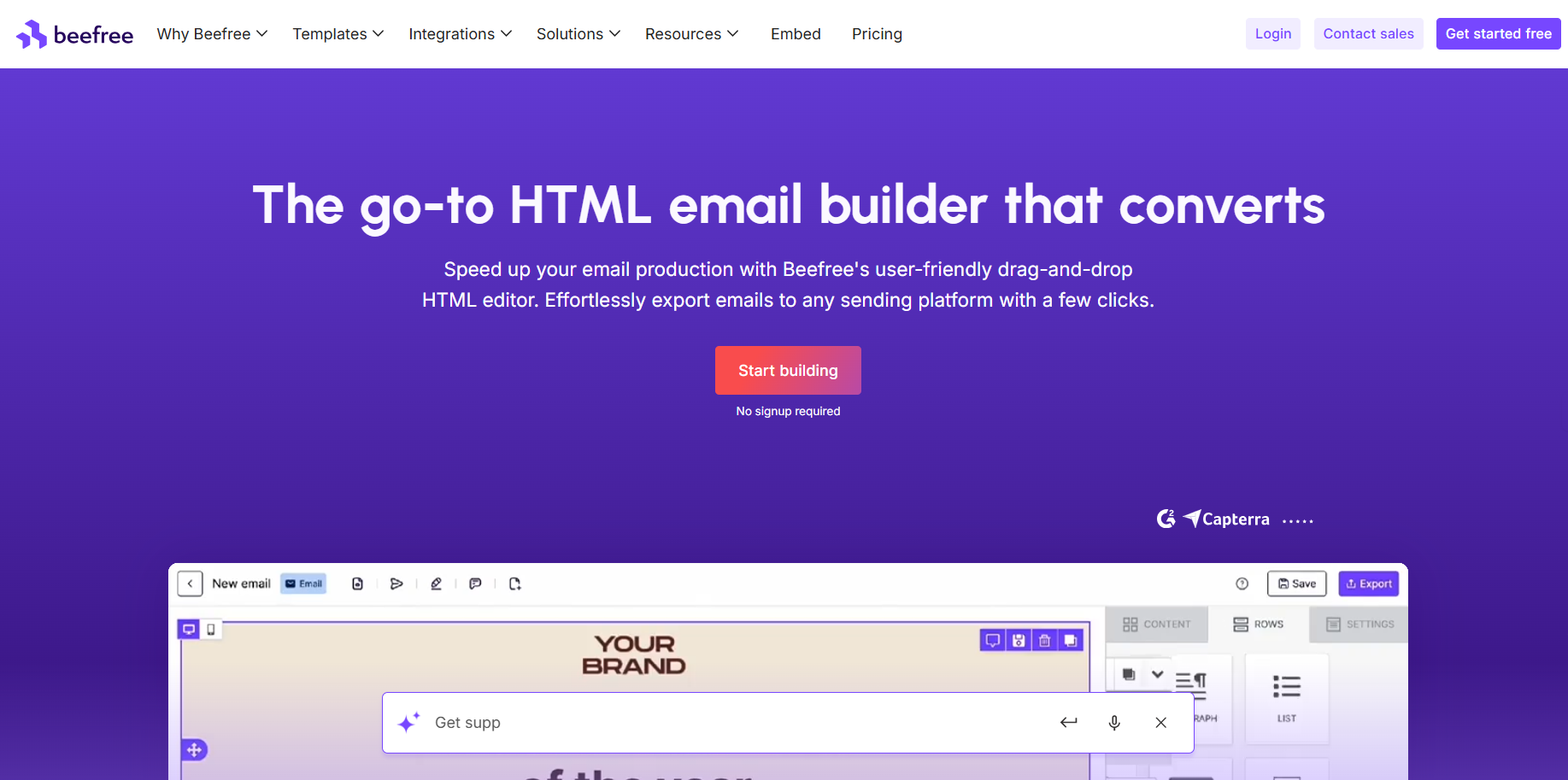
Why people choose it
Marketers who need to create simple promotional newsletters or one-off campaigns love Beefree’s speed and simplicity. It’s often praised as a best free email template builder for startups and small teams.
Advantages
-
Clean, drag-and-drop interface.
-
Responsive templates.
-
Free plan with basic features.
-
Library of prebuilt designs.
Disadvantages
-
No advanced modular system.
-
Limited animation or interactivity.
-
Restricted code editing.
-
Export options fewer than Stripo.
Integrations
Mailchimp, HubSpot, ActiveCampaign, and Zapier connections.
Pricing
Free tier available. Pro version adds team sharing and saved blocks.
Overview
A good choice for simple newsletters but not for enterprise-level workflows. Compared with Stripo, it feels limited in scalability and customization.
4. Mailchimp — All-in-One ESP with Basic Builder
Mailchimp combines list management, automation, and analytics — and includes a built-in builder.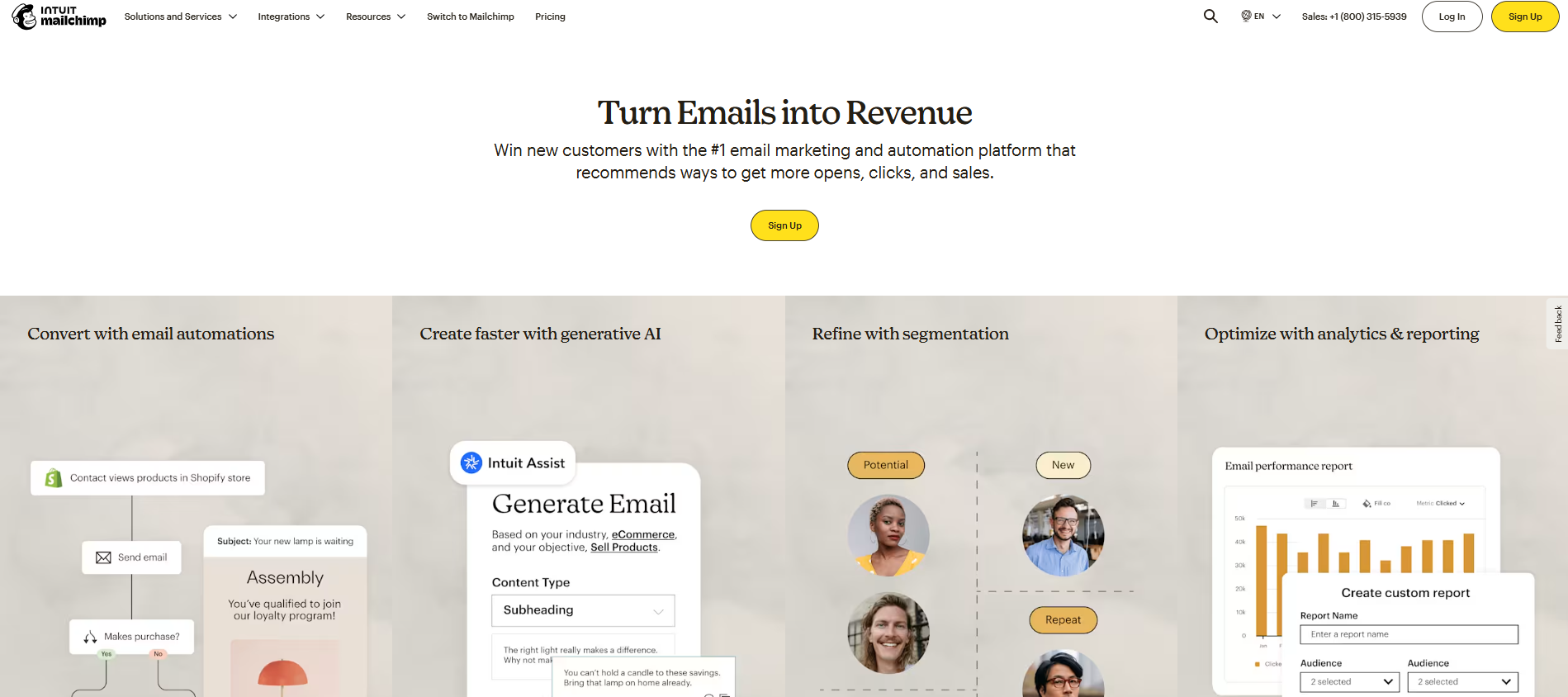
Why people choose it
Small businesses appreciate that Mailchimp handles both sending and designing. It’s convenient for all-in-one campaign management, though its editor is not as powerful as dedicated builders.
Advantages
-
All-in-one tool (email + automation).
-
Familiar interface.
-
Template library for beginners.
Disadvantages
-
Builder customization is limited.
-
Code output is cluttered.
-
Lacks reusable content modules.
-
No advanced animations.
Integrations
Thousands through its ecosystem: Shopify, WooCommerce, HubSpot, Salesforce, and more.
Pricing
Free plan for small lists, then paid per subscriber count.
Can become expensive as the audience grows.
Overview
Mailchimp is a great sending platform but not the best email builder for advanced design work.
5. SendPulse — ESP with Decent Design Capabilities
SendPulse is an automation platform that includes an email editor, chatbot builder, and SMS tools.
Why people choose it
Marketers who want multichannel communication (email, SMS, chatbots) choose SendPulse because it integrates those in one dashboard.
Advantages
-
Simple drag-and-drop builder.
-
Automation workflows.
-
Email, SMS, and push messaging in one tool.
Disadvantages
-
Limited design depth.
-
Weak interactive support.
-
Not modular.
Integrations
Integrates with WordPress, Zapier, and CRM systems.
Pricing
Free tier for small lists; pricing scales with contacts.
Overview
Convenient for automation, but not a true email template software platform for complex design work. Stripo’s builder offers more creative control and better HTML output.
6. MailerLite — Lightweight Builder for Small Teams
MailerLite targets freelancers, creators, and small businesses who need simplicity.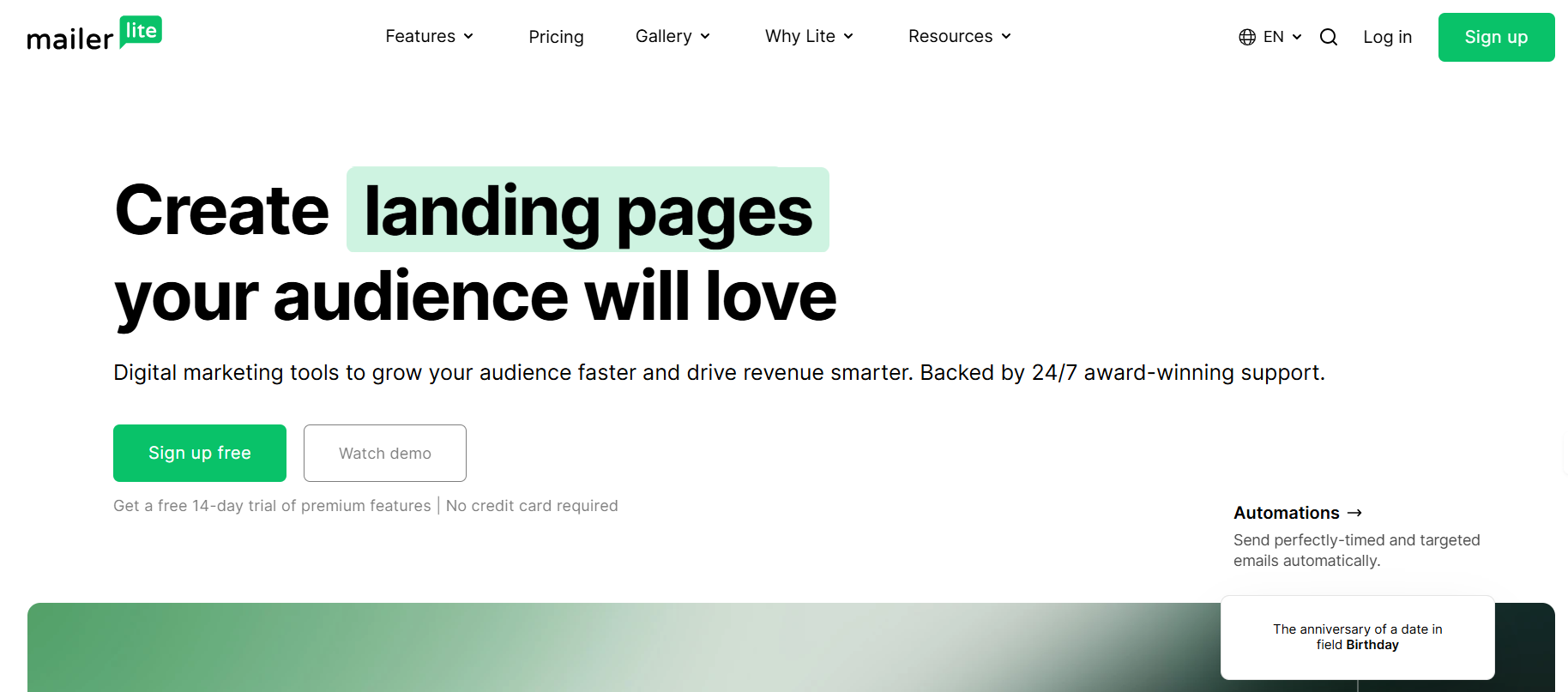
Why people choose it
People choose MailerLite because it’s fast to learn and affordable. It includes newsletters, landing pages, and simple automations.
Advantages
-
Clean UI.
-
Template gallery.
-
Excellent deliverability.
-
Low-cost pricing tiers.
Disadvantages
-
Fewer advanced customization options.
-
No AMP or dynamic content.
-
Collaboration tools are limited.
Integrations
Shopify, Stripe, Zapier, WordPress, and WooCommerce.
Pricing
Generous free plan. Paid versions start low and scale per contact volume.
Overview
One of the best free email template builder tools for small creators — but large marketing teams quickly outgrow its simplicity.
7. Topol.io — Simple and Clean Email Builder
Topol.io provides a clean, distraction-free environment focused on visual creation.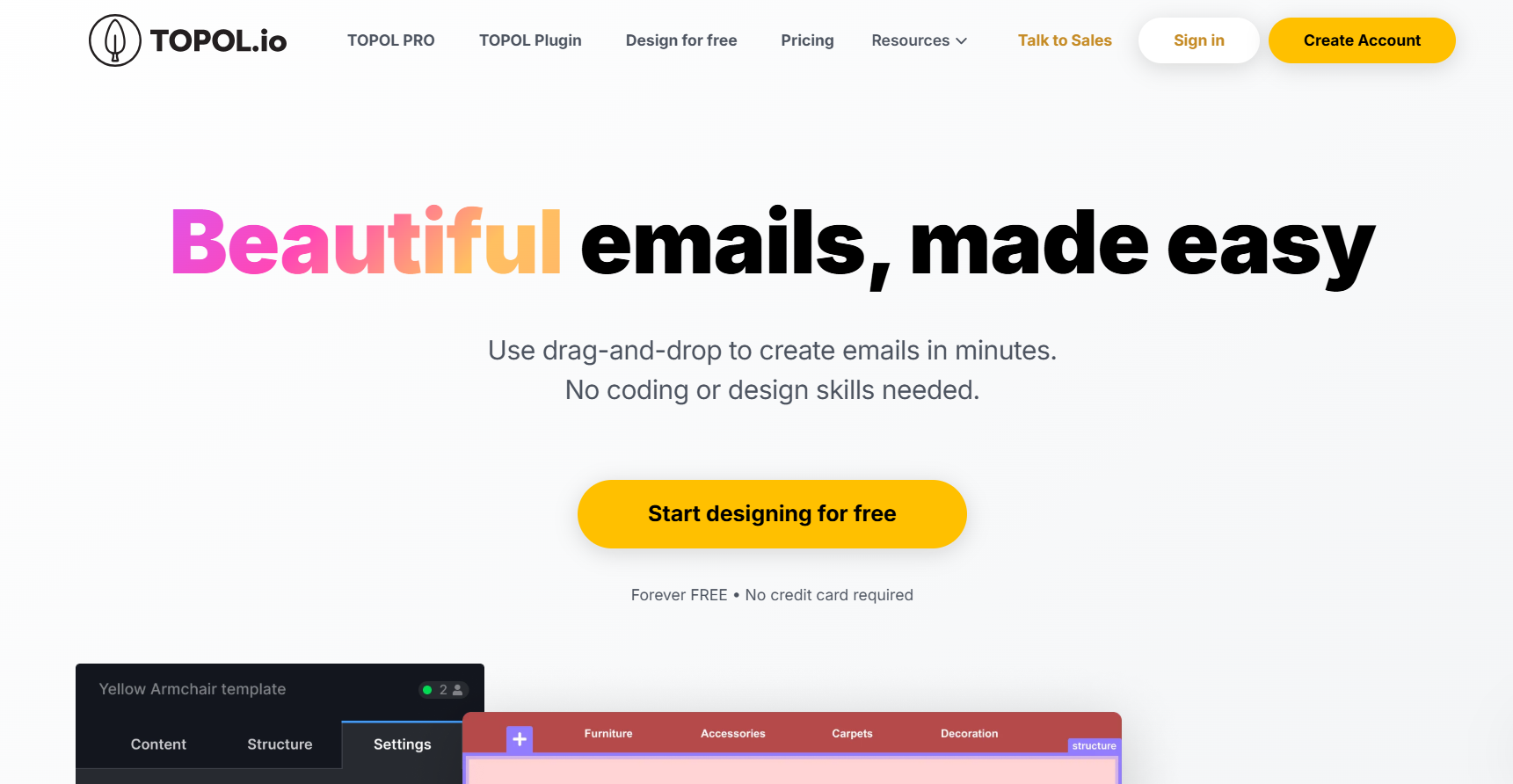
Why people choose it
Small teams pick Topol for its clarity and performance — it’s easy to create visually appealing emails without much setup.
Advantages
-
Drag-and-drop simplicity.
-
Fast loading builder.
-
Built-in responsive testing.
Disadvantages
-
Minimal collaboration options.
-
Lacks advanced interactivity.
-
Limited integrations.
Integrations
Exports to Mailchimp, Campaign Monitor, Sendinblue, and custom HTML.
Pricing
Trial available; paid plans unlock more projects.
Overview
Great for visual simplicity, but it lacks the advanced capabilities of email template software like Stripo or Chamaileon.
8. Moosend — Automation Platform with Template Builder
Moosend focuses on automation and personalization but includes a basic editor.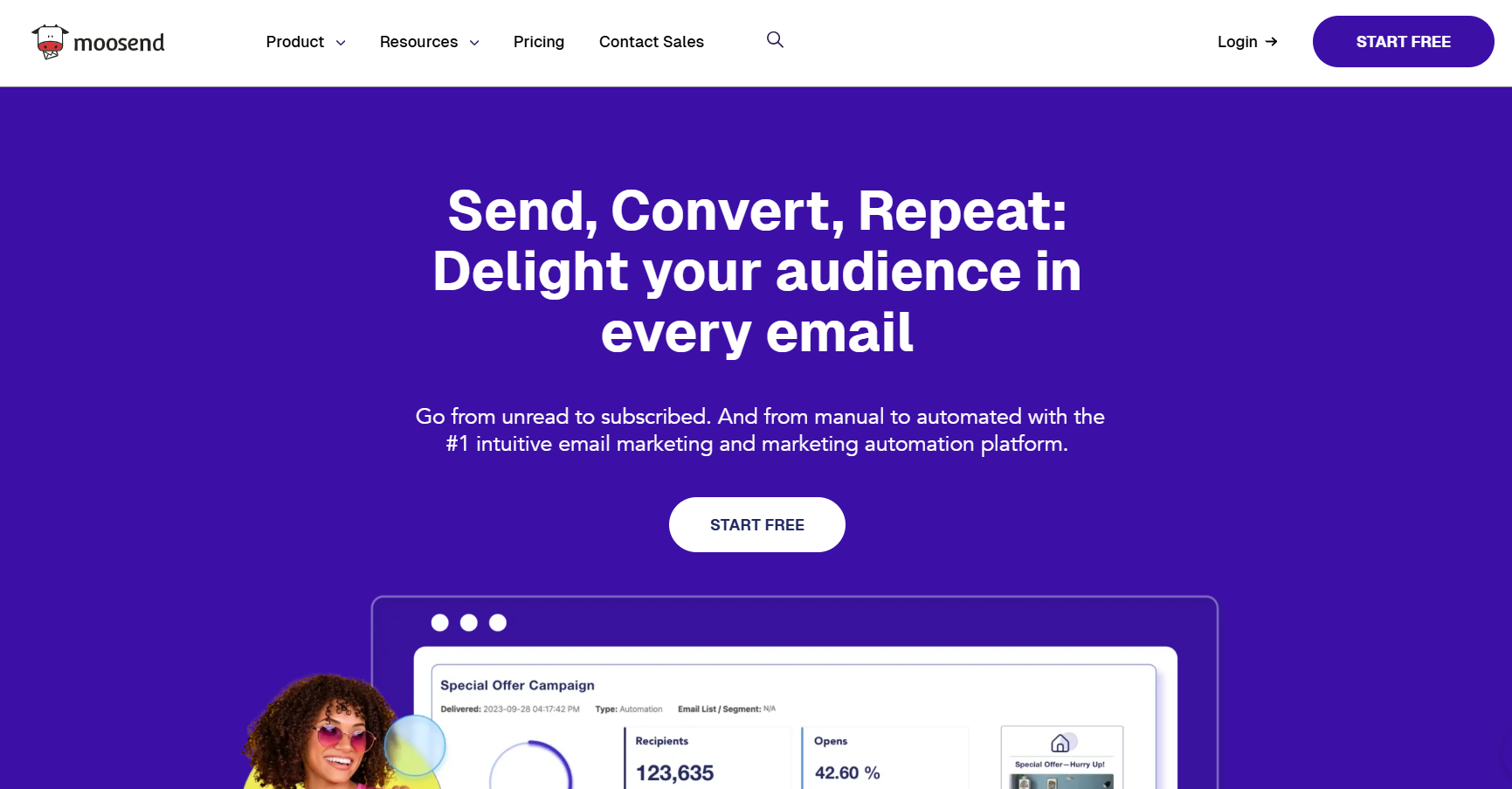
Why people choose it
Businesses that want automation with a built-in editor choose Moosend to manage entire campaigns from one place.
Advantages
-
Easy to use for beginners.
-
Built-in automation sequences.
-
Custom fields and personalization.
Disadvantages
-
Not designed for complex design logic.
-
No AMP or interactive content.
-
Limited modular reuse.
Integrations
Integrates with CRMs and eCommerce systems like WooCommerce and Shopify.
Pricing
Free trial. Paid plans start at low monthly rates based on subscriber count.
Overview
Solid ESP, but compared to Stripo, Moosend’s email builder tools feel basic. It’s good for automation rather than design production.
9. Canva — Graphic Design Software for Visual Layouts
Canva is a design platform used globally — but it’s not real email design software. It creates visuals, not HTML structures.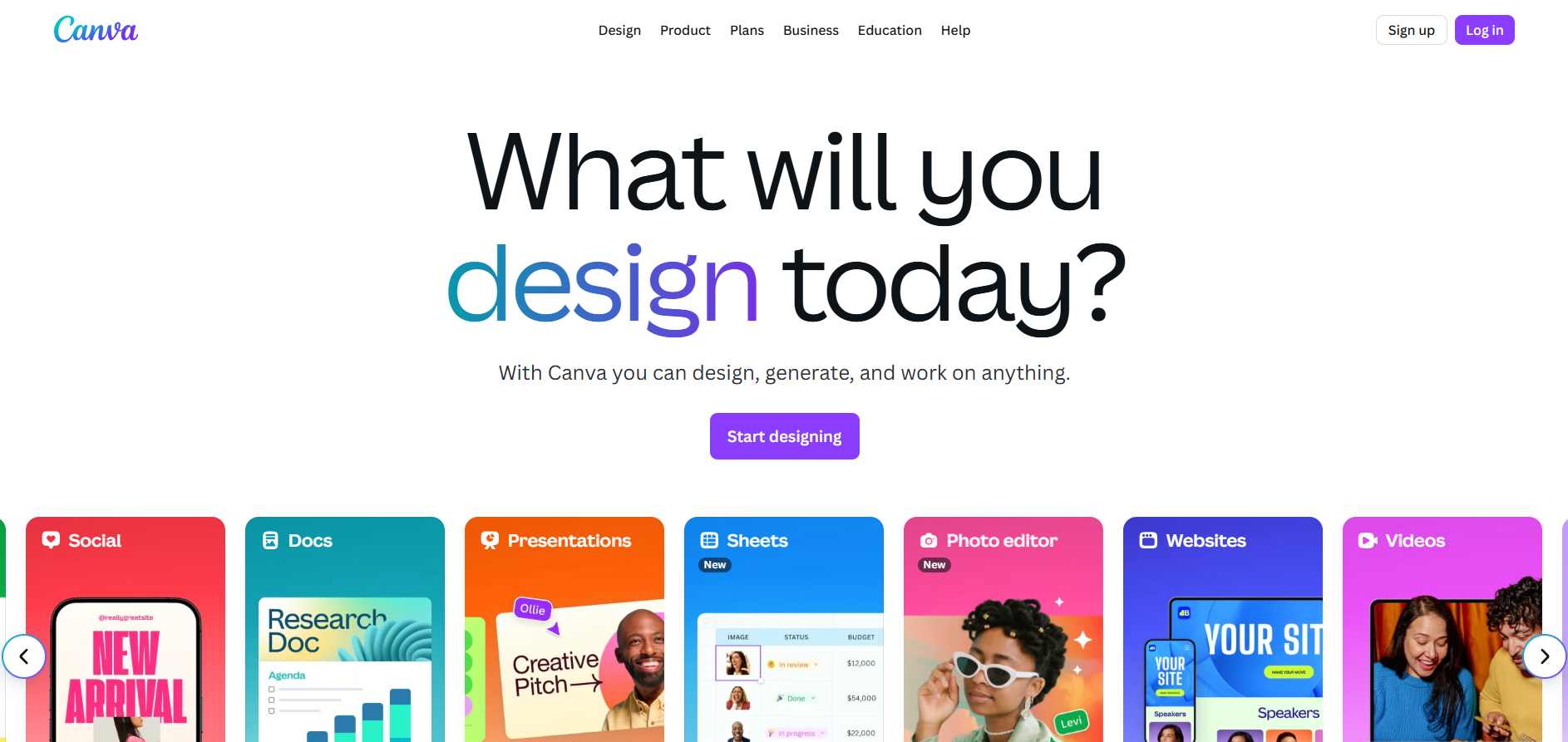
Why people choose it
People use Canva to design banners, images, and graphics for newsletters because it’s simple and beautiful. Many marketers still export images from Canva to insert into emails built elsewhere.
Advantages
-
Stunning graphics templates.
-
Easy drag-and-drop.
-
Perfect for image assets.
Disadvantages
-
No real HTML output.
-
Heavy images increase load time.
-
No ESP integrations.
Integrations
Exports to PNG/JPG/PDF; not email-ready.
Pricing
Free plan with optional Pro subscription.
Overview
Ideal for visuals, not for production. When combined with Stripo, Canva assets can complement real HTML templates created in a proper email builder tool.
10. Tabular — Developer-Oriented Table Builder
Tabular focuses on hand-coded table structures, built for those who still prefer granular HTML control.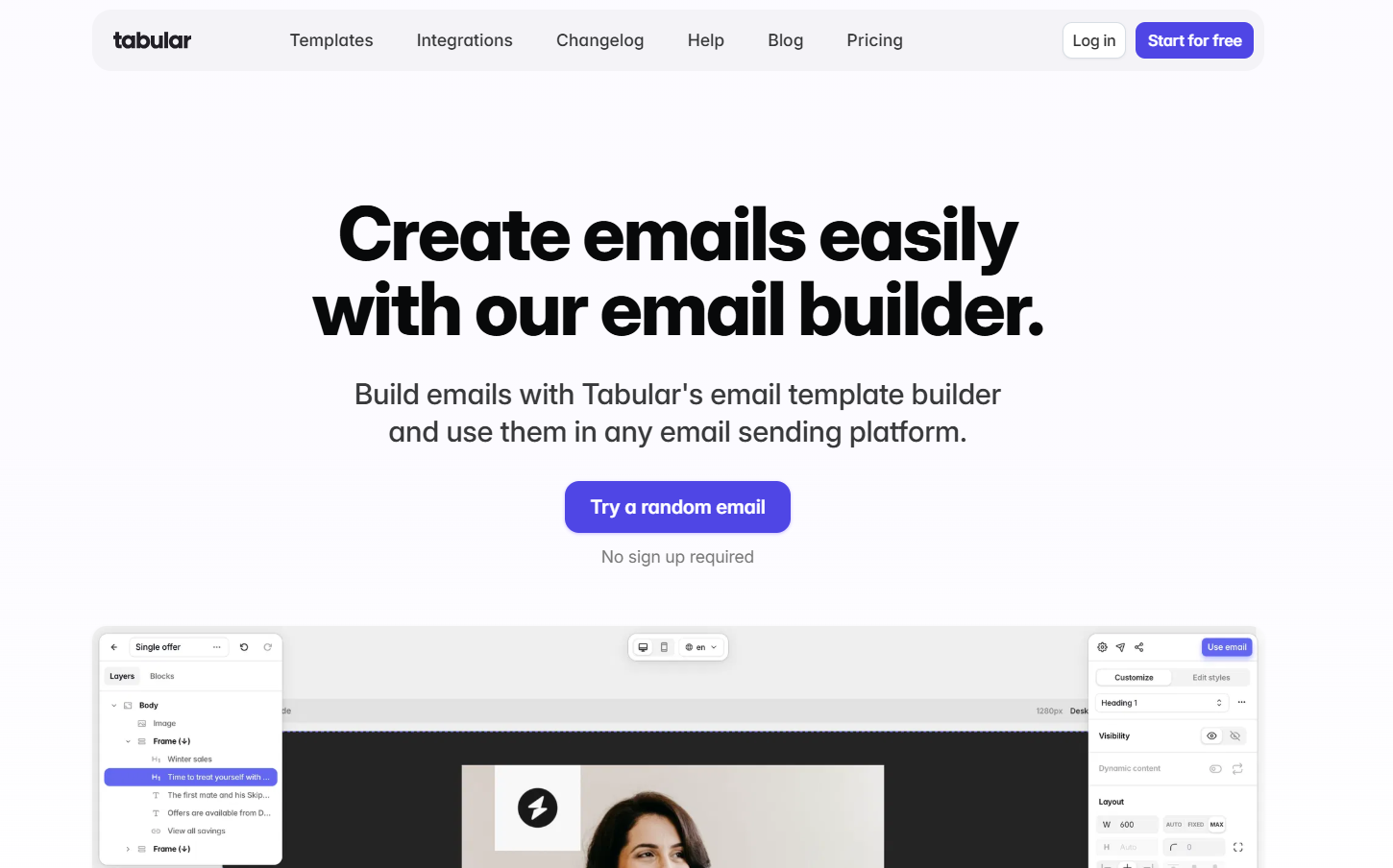
Why people choose it
Developers or technical email coders who like to see and manipulate each table cell choose Tabular to generate precise layouts.
Advantages
-
Full control over tables and grids.
-
Generates compatible code.
-
Developer-friendly.
Disadvantages
-
No drag-and-drop.
-
Steep learning curve.
-
No collaboration or templates.
Integrations
Primarily manual exports (HTML).
Pricing
Paid license with developer features.
Overview
A good coding helper but not a marketing-friendly builder. It’s the opposite of Stripo — minimal automation and no visual system.
Why Stripo Leads the Market
All ten builders serve different audiences. But Stripo’s difference is the balance of business impact and creative control.
| Key Area | Stripo | Others |
|---|---|---|
| Drag-and-drop simplicity | ✅ | ✅ |
| Custom HTML and code freedom | ✅ | ❌ |
| AMP & interactive content | ✅ | ❌ |
| Modular reusable blocks | ✅ | ⚠️ Limited |
| AI content generation | ✅ | ❌ |
| 75+ ESP integrations | ✅ | ⚠️ Partial |
| Team collaboration | ✅ | ⚠️ Basic |
| Free plan available | ✅ | ✅ |
Business impact:
Stripo reduces production time by up to 60%. Marketing teams can send more campaigns, test faster, and increase conversions without adding staff. That’s why it’s not just another drag-and-drop tool — it’s a scalable production system.
Final Thoughts
Each of these 10 platforms has its strengths:
-
BEE Free and MailerLite are great for beginners.
-
Chamaileon helps with collaboration.
-
SendPulse and Moosend shine in automation.
-
Topol and Canva are for visuals.
-
Tabular is for developers.
-
Mailchimp is a full ESP.
But when you look for the best email template builder that balances design power, team collaboration, and technical precision — Stripo wins.
It’s not just another editor; it’s an ecosystem that lets businesses scale faster, cut production costs, and stay creative.
Stripo proves that smart email template software doesn’t just design emails — it accelerates growth.